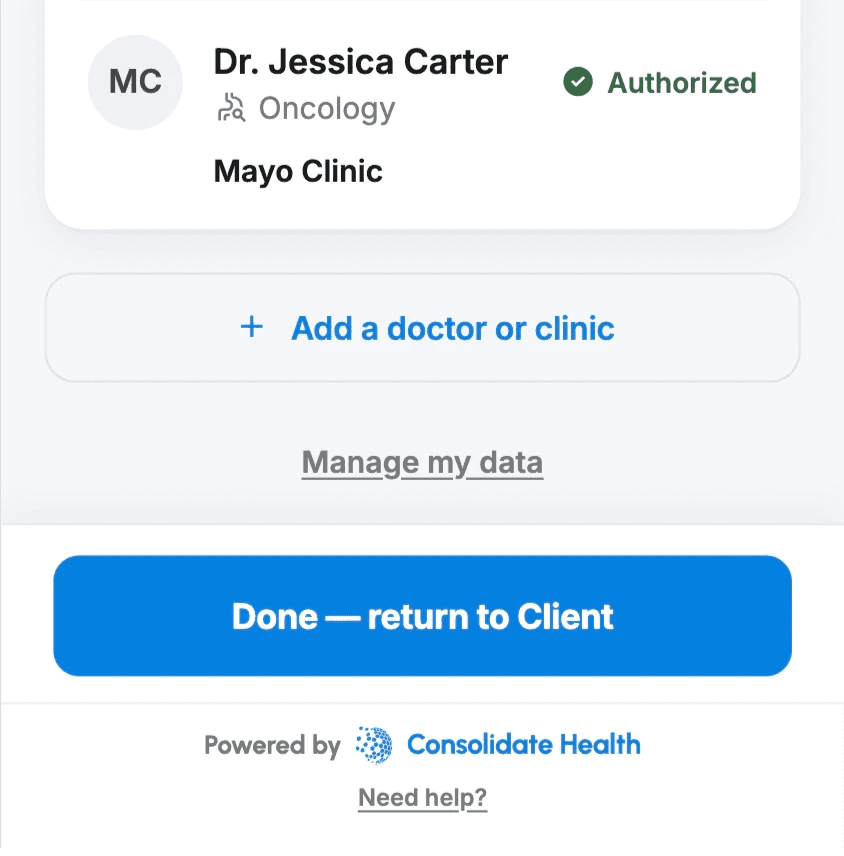
Step 1: Open Manage my data
From the main screen, tap Manage my data at the bottom of the page.
Step 2: Select Delete my account
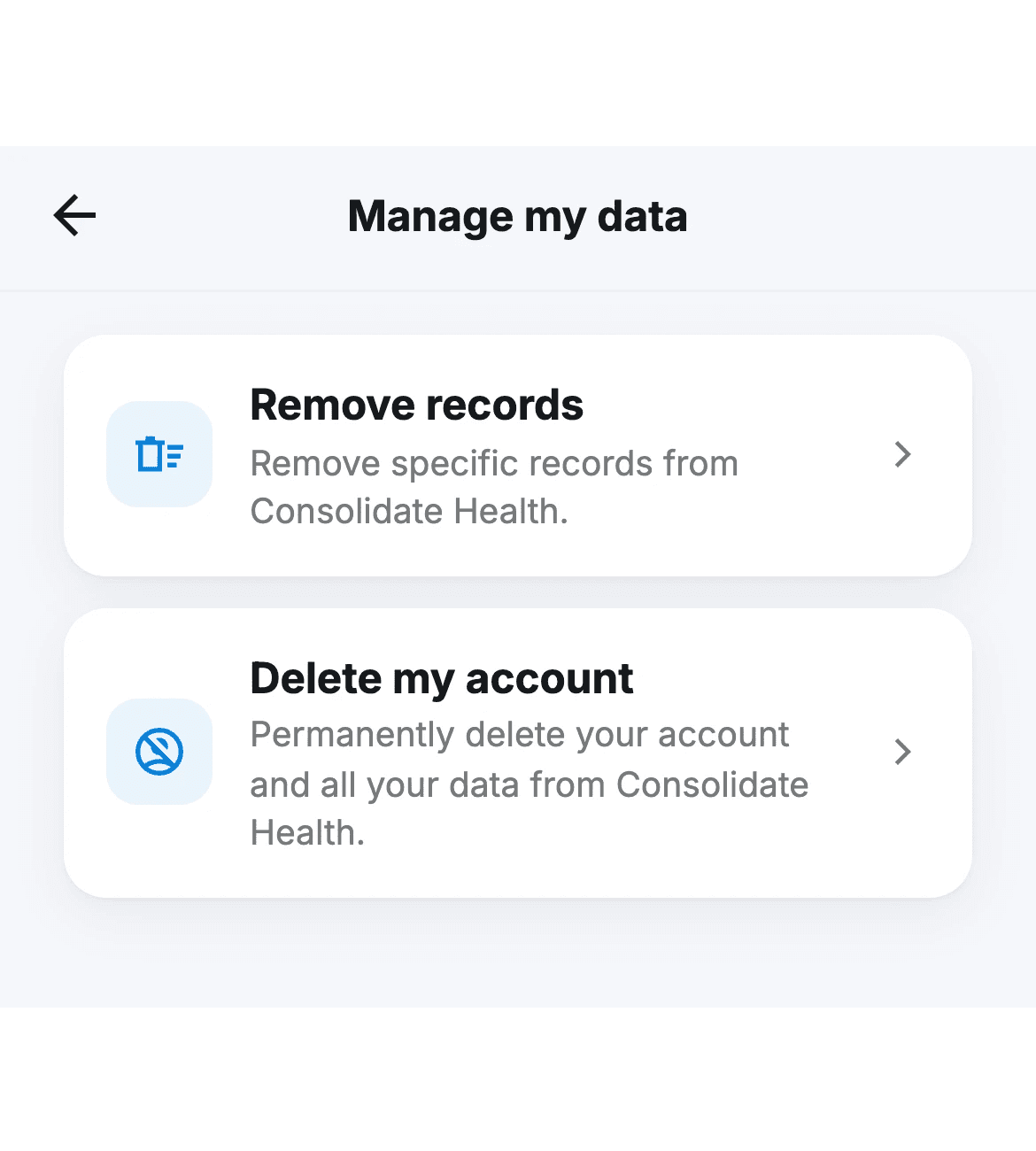
On the Manage my data screen, you'll see two options:
Remove records: remove specific records only
Delete my account: permanently delete your account and all your data
Tap Delete my account.
Step 3: Review what will happen and confirm
The next screen explains what deleting your account means:
All records Consolidate Health has retrieved for you will be deleted.
Consolidate Health will stop sharing your records with the connected app going forward.
Records the app has already received will stay with them. To manage those, contact the app directly.
Your account will be deleted. This can't be undone.
If you want to use Consolidate Health again later, you'll need to create a new account.
Once you've read through, type DELETE in the confirmation field. The Delete my account button will turn red when the field is filled in correctly.
Tap Delete my account.

Step 4: Final confirmation
A confirmation sheet will appear asking: Delete your account?
It will remind you that this can't be undone and that your account and all your data will be permanently deleted from Consolidate Health.
Tap Delete to proceed, or Cancel to go back.

Step 5: Deletion in progress
Consolidate Health will begin removing your records and signing you out. You'll see a loading screen while this completes.
Step 6: Deletion complete
Once finished, you'll see a confirmation screen: Your account has been deleted.
Your records have been removed from Consolidate Health and are no longer being shared with the connected app. If you ever want to use Consolidate Health again, you can create a new account at any time.
Tap Done to close.
